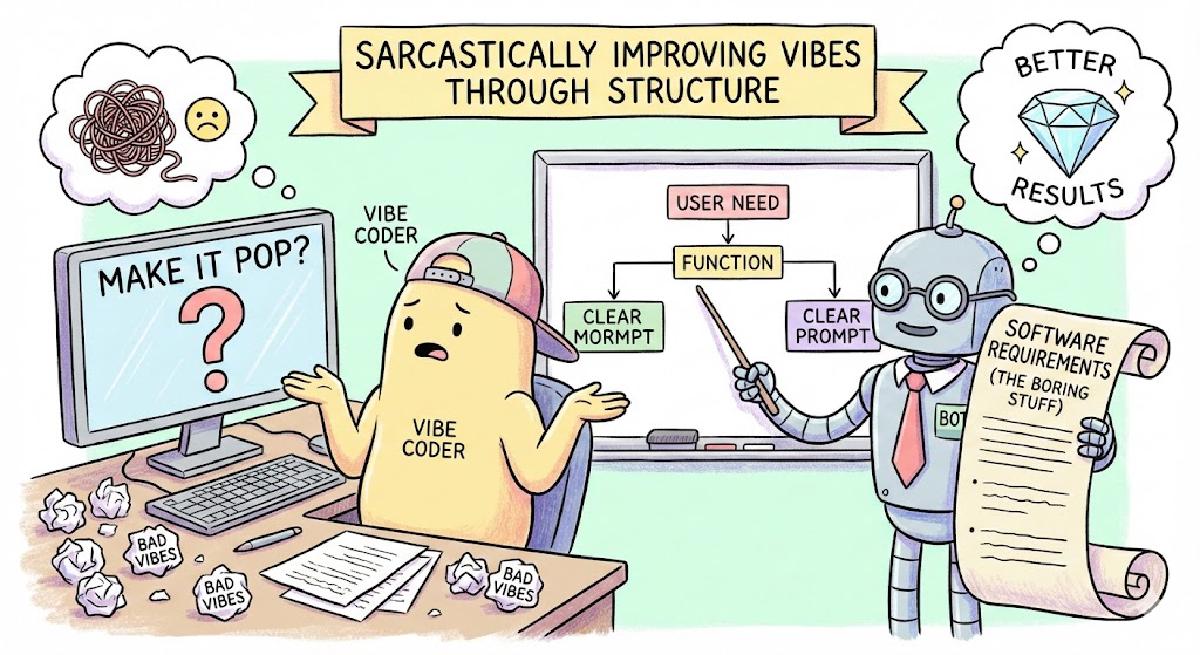
Well written requirements, for example using EARS syntax, can improve your vibe coding results by unambiguously specifying critical areas of the software you’re designing.
I Studied Engineering and I Have to Talk To People?#
The greatest lie (of omission) in the formal technical education is that in the real engineering life you’ll need words more than math or code. You have a fantastic idea for a project, product, or a solution for a problem? Great, now summarize it in one sentence for a high-level manager with a 5 second attention span.
Jokes aside, when you analyze customer use cases, define requirements or create software architecture, you typically do it with natural language. Sure, there are formal methods for defining the architecture, but in the end they also require description. Requirements need to be written down, explained to the engineering teams, ensuring everyone will build the same product.
So, you spent a few years learning advanced algebra, calculus, programming paradigms and languages, maybe some signal processing, mandatory Fourier transforms? Great. Now you can spend bulk of your professional life writing documents, creating presentations, and - what’s worse - talking to people. Nobody told me that in the technical university.
To add insult to injury1, now we have to talk to machines, and the machines we need to talk to are, apparently, super touchy, so we have to carefully consider the words we use, or the result will not be according to our expectations.2, which is now called “prompt engineering”3.
Notice how, if we do s/machines/people, the flashy new term “prompt engineering” reduces itself to a decade old issue of writing good software requirements? When using coding agents, we’re not “crafting prompts”, we’re defining software requirements. Only this time, it’s not for a team of engineers, but for a large language model. Still, same as with people, the outcome heavily depends on the input. Write an ambiguous requirement/prompt, and the trouble’s brewing ahead of you4
New Technologies, Same Problems#
Luckily, for a decades old problem there are decades old solutions that boil down into few adjectives5: clear, concise, actionable, verifiable; they need to define what the system must do without specifying how to implement it. There are even frameworks that let the poor requirements engineer focus on the content without worrying about things like grammar. My favorite one is EARS - Easy Approach to Requirements Syntax.
EARS is a set of rules, definition of sentence templates to be used to articulate and organize software requirements. There are only five basic sentence templates:
- Ubiquitous (Always Occurring): “The [System] shall [Function]”.
- Event-Driven (Triggered): “When [Trigger], the [System] shall [Response]”.
- State-Driven (Active State): “While [State], the [System] shall [Response]”.
- Unwanted Behavior (Error Handling): “If [Unwanted Event], then [System] shall [Response]”.
- Optional Feature (Conditional): “Where [Feature], the [System] shall [Response]”.
These can be combined and mixed to address more complex cases. If the requirements are detailed enough, writing them feels almost like programming.
In a typical case of writing requirements for some enterprise-grade piece of software, you may not want to go into too much details in these requirements6 For interactions with AI, though, it’s a good thing to be detailed and precise. It’s also good to go against the best practices of writing good requirements, and define to some extent also how the system must be implemented.
How Precise Do I Need To Be?#
Let’s run an experiment: have different AI models generate an application based on the same prompt, see what they come up with. Say we’d like to have a simple calculator that takes a mathematical expression and calculates the result. The prompt would go something like this:
Create a simple web application, a calculator with a single text input that handles basic operations, like
(, +, -, *, /, !, ^, and displays the result in the page.
GPT-5.2 created:
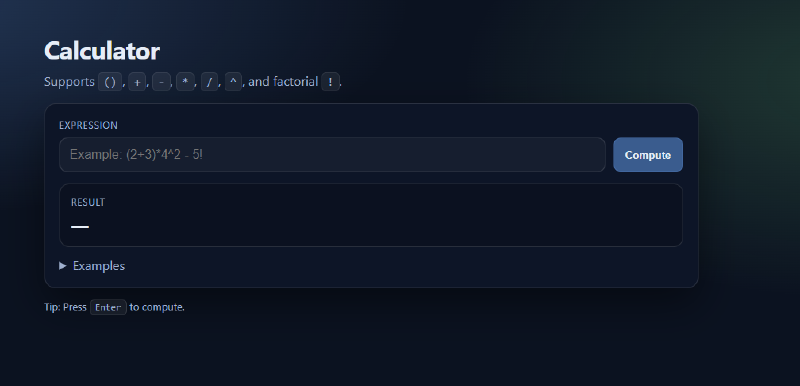

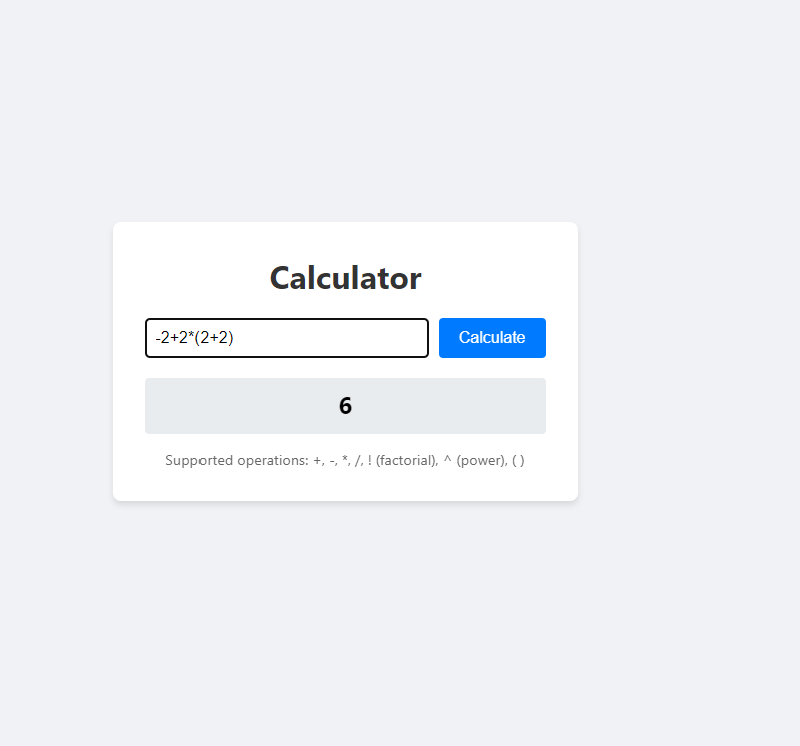
All three models created a client-based solution to the given problem, using only JavaScript. That makes sense, given how uncomplicated the task was - no backend, no database, no sessions, cookies, just math.
However, what if this was not exactly what was needed or wanted?
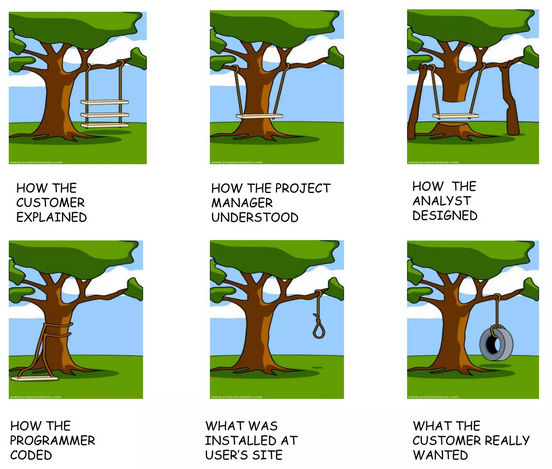
Let’s continue the experiment and describe the application, now called Frantic Doodad7, using requirements that follow the EARS syntax. Let’s say that, for whatever reason, we want this calculator app to have a single color background and be implemented in Python (just because we can, not that it makes any sense). On top of that, let’s throw functional and security requirements.
# Overview

1. The Frantic Doodad shall be a web-based application that serves as a calculator for the basic mathematical operations.
2. The Frantic Doodad shall be implemented with Python using Flask framework.

# User Interface

1. The Frantic Doodad shall be implemented as a single web page.
2. The User Interface shall display a text input field in the middle of the page's viewport.
3. The User Interface shall display a "Calculate" button on the right side of the text input field.
4. The User Interface shall display a "Clear" button on the right of the "Calculate" button.
5. When the "Calculate" button is pressed, the Frantic Doodad shall evaluate mathematical expression supplied in the text input field and shall display the calculated result in a text field directly below the text input field.
6. When the "Clear" button is pressed, the Frantic Doodad shall clear the content of the text input field and shall clear the displayed calculation result or error messages, if any.
7. The User Interface shall use #39406A color for background, #fefefe for background of the user input forms, #fe0000 for error messages.
8. The User Interface shall display "(c) 2026 bitsandpixels.io" string at the bottom of the page.

# Functional Requirements

1. The Frantic Doodad shall only evaluate the basic mathematical operations: `(,), +, -, *, /, !, ^`
2. When provided with a string that contains characters outside of numerals and the basic mathematical operators, the Frantic Doodad shall display an error message directly below the text input field.
3. When provided with an invalid mathematical operation, the Frantic Doodad shall display an error message directly below the text input field.
4. When the "Calculate" button is pressed, the Frantic Doodad shall sanitize the user provided input to add escape characters to prevent injecting an executable code.
Any engineering team I’ve ever worked would give me The Look8 when handed requirements like these. Overkill? Absolutely. But what did the different LLM’s did with these?
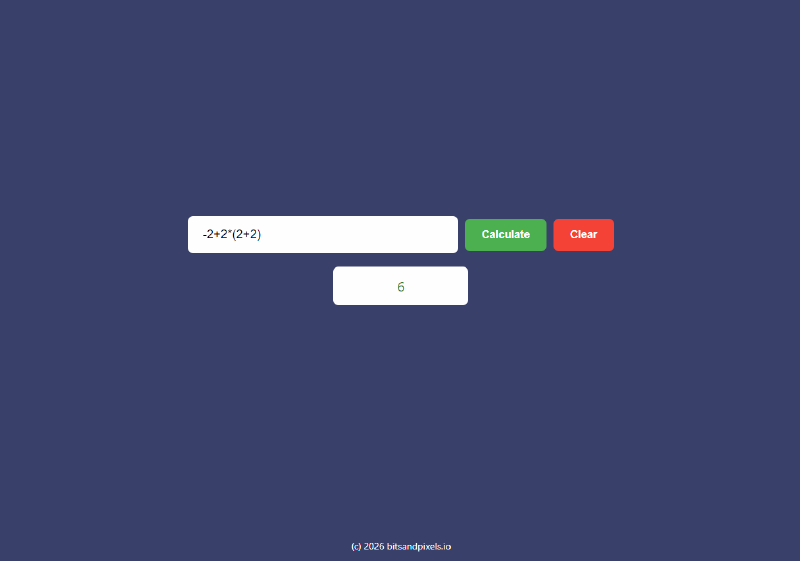
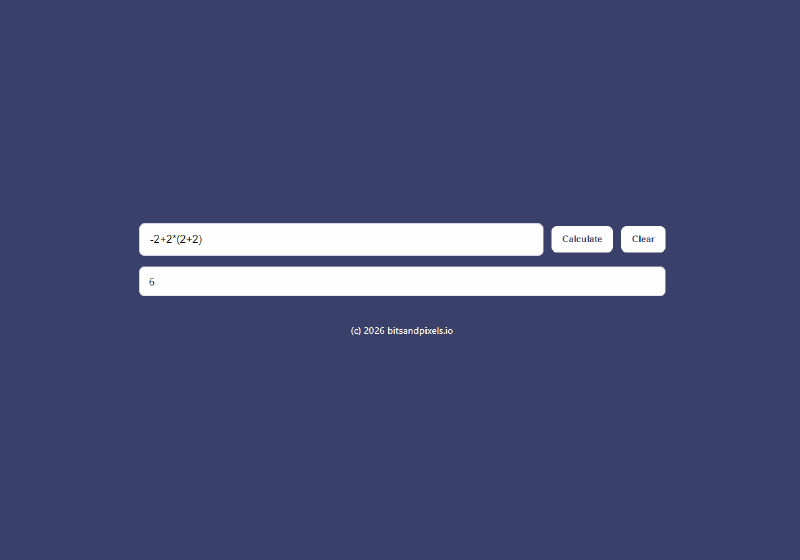
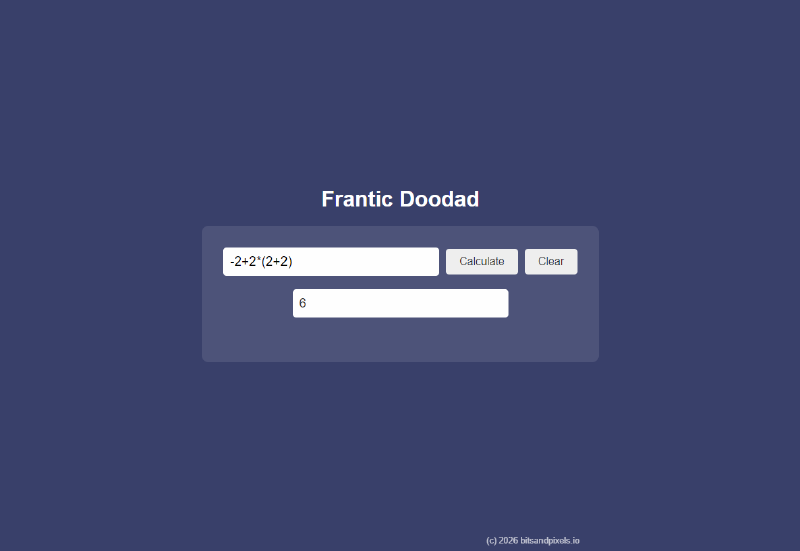
All three generated apps look very much alike, all have similar implementation. Food for thought: in the experiment we defined 14 requirements and yet there are still differences between each implementation. How many requirements would it take to make the generated apps look exactly the same?
Is going down to that level of detail even worth the trouble? Probably not. It’s a question of choosing which aspects of the software need to be implemented exactly as described, and in which areas some wiggle room can be left.
But that’s a problem as old as software itself.
That’s sarcasm, just to be clear. ↩︎
More sarcasm. ↩︎
You guessed it…. ↩︎
Or maybe not, maybe the creative randomness of the generated content will be just what you need. ↩︎
Great, more words. ↩︎
Although I know for a fact that the engineering teams like to have small, very granular requirements and don’t mind if there are a lot of them. It’s the management that gets a heart attack when they see 700+ line items to implement… ↩︎
Don’t ask. ↩︎
The “You’re crazy” look. ↩︎